Stop credentials pop-up when launching "Open with Explorer"
Symptom
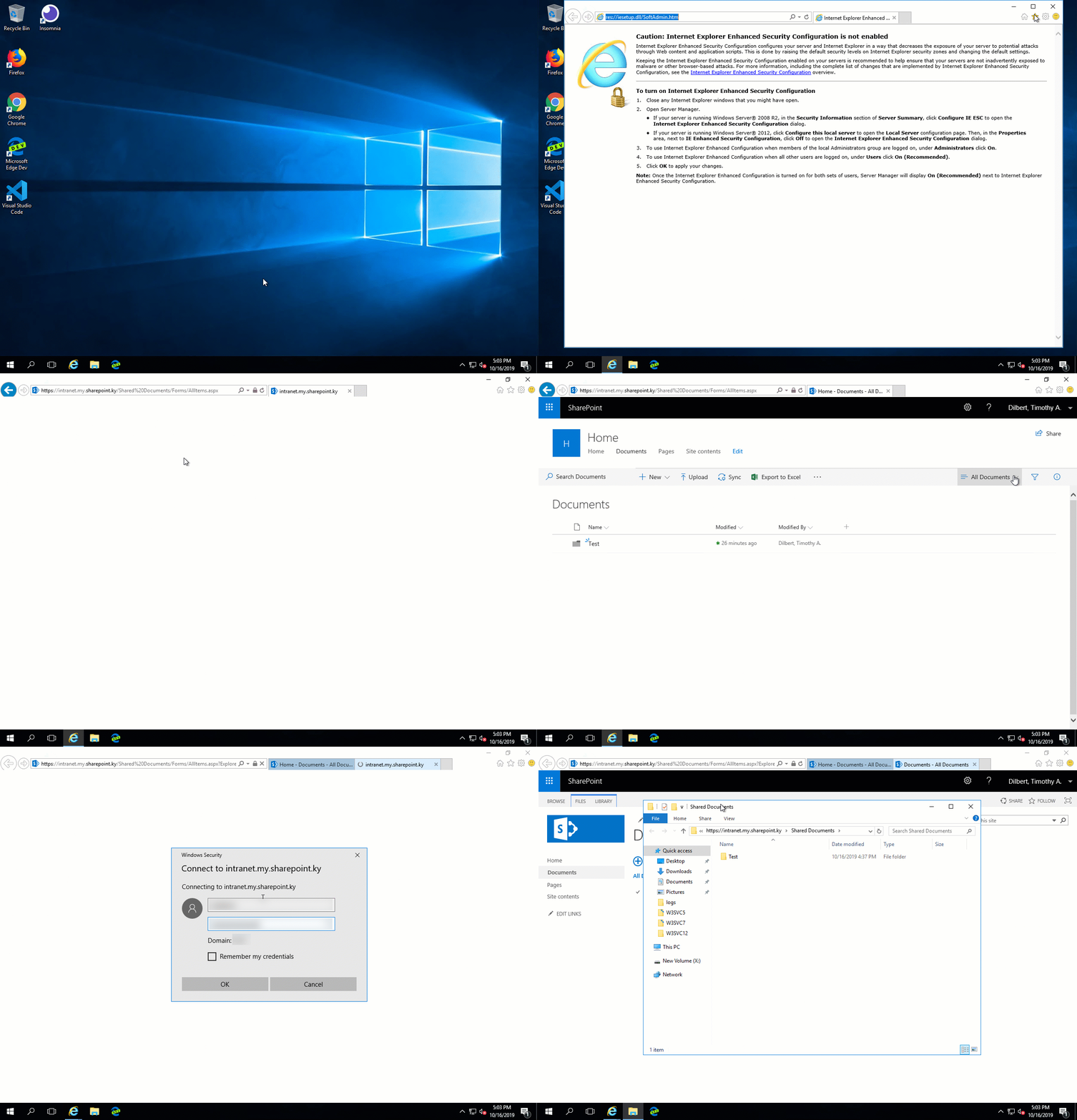
When users launch Open with Explorer they may be asked to enter their network credentials. See example below:
Resolution
This is resolved by adding the SharePoint Site Collection Host URLs into Windows Registry settings. Below are instructions on how to do this on an individual computer basis.
- Click Start, type regedit, then press Enter.
- Locate and then select the following registry subkey:
HKEY_LOCAL_MACHINE\SYSTEM\CurrentControlSet\Services\WebClient\Parameters - On the Edit menu, point to New, and then click Multi-String Value.
- Type AuthForwardServerList, and then press Enter.
- On the Edit menu, click Modify.
- In the Value data field type the scheme and host for each SharePoint site collection URL. Examples provided below:
https://intranet.my.sharepoint.ky/ - Exit Registry Editor.